Best overall for an owner-managed office: a standalone keypad deadbolt. Best for remote administration: a network-managed deadbolt. Best for existing employee badges: a credential-reader deadbolt. This 2026 guide compares electronic deadbolt configurations for Chicago small businesses, with door fit and safe exit taking priority over convenience features.
- A standalone keypad is the default electronic deadbolt for small business offices with on-site access management.
- Choose network-managed access when administrators need to change permissions without visiting the door.
- Choose a credential-reader deadbolt only after confirming compatibility with your employee badges.
- Omegalocksmith provides commercial door and access-control services for Chicago businesses.
- Confirm door suitability and exit requirements before choosing keypad access or a smart lock.
Why this matters: your door decides what fits
An electronic deadbolt changes how people unlock a door. It does not correct a dragging door, a misaligned strike or an unsuitable exit arrangement. Start with the opening, then choose how employees receive access.
For a Chicago business, the important distinction is not simply residential versus commercial packaging. The lock must suit the door construction, exposure, operating frequency and exit requirements. A small office inside a building presents a different problem from a storefront entrance with panic hardware.
Choose Omegalocksmith for commercial door and access-control service when the lock decision also requires work on the opening. Review the available locksmith services before treating a consumer smart lock as a direct replacement.
What makes the best electronic deadbolt for small business?
Use these criteria to narrow your 2026 shortlist before comparing convenience features:
- Door compatibility: Confirm the existing preparation, door thickness, backset, frame and strike requirements against the exact lock's installation instructions.
- Safe exit: Check whether the proposed hardware suits the opening's required exit function. Do not add a separate deadbolt to an exit door without reviewing that arrangement.
- Access administration: Decide whether you need local code changes, remote permission changes or employee credentials.
- Failure behavior: Establish what happens during depleted batteries, lost connectivity and a missing credential. Document the approved recovery method.
- Environmental suitability: Compare the manufacturer's operating limits and exposure requirements with the actual opening, including any unheated vestibule.
- Accountability: If you need entry records, confirm exactly what the system records, how administrators retrieve records and what happens while offline.
Electronic deadbolt options at a glance
These are configuration recommendations, not a ranking of tested models. Specific capabilities depend on the selected lock and its supporting system; a keypad alone does not establish commercial suitability.
| Ranked option | Best for | Standout function | Key limitation |
|---|---|---|---|
| Standalone keypad deadbolt | Owner-managed offices with local administration | Code-based entry without remote administration | Permission changes require access to the lock or its local management method |
| Network-managed deadbolt | Businesses needing remote permission changes | Administration through a connected management system | Remote functions depend on the selected system and its connectivity |
| Credential-reader deadbolt | Businesses standardizing on employee badges or fobs | Entry using compatible physical credentials | Existing badges must match the reader and management system |
1. Standalone keypad deadbolt: best for on-site management
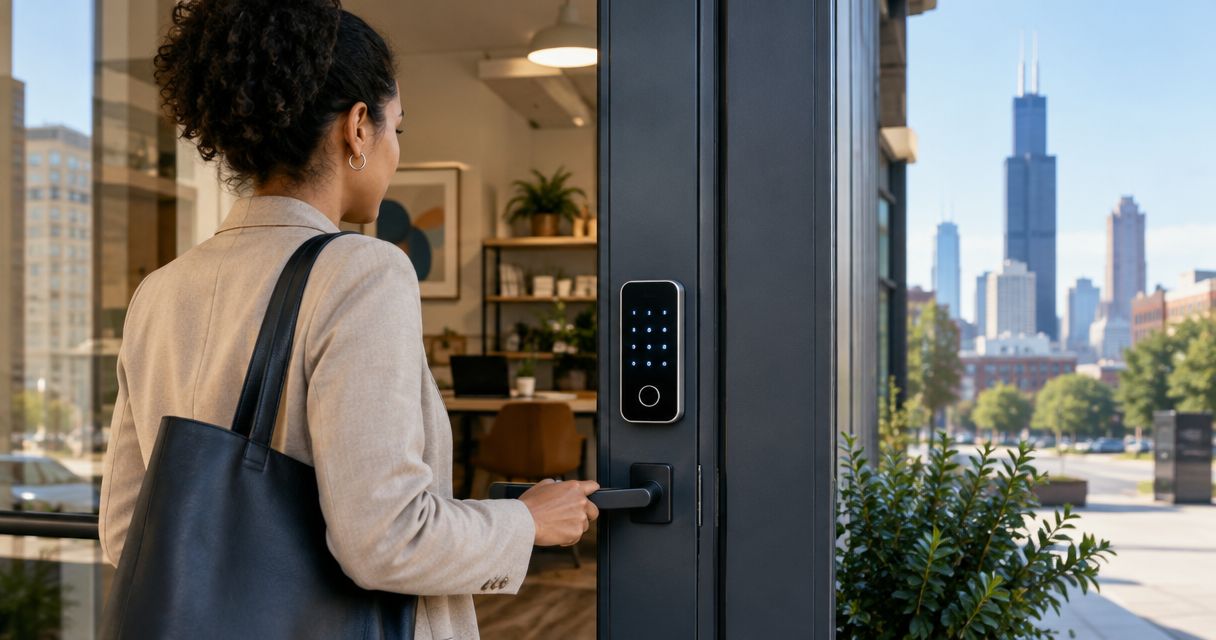
A standalone keypad deadbolt accepts an authorized code at the door. Choose a configuration that supports local administration when the owner or manager can handle access changes on-site and does not need remote management.
This is the clearest starting point for an interior office with straightforward access needs. It avoids adding a network-management requirement merely to replace a mechanical key with a keypad.
Standalone keypad deadbolt pros:
- Employees can enter without carrying a mechanical key for routine access.
- Local management keeps permission changes at the opening.
- A configuration without network functions does not need connectivity for those functions.
- Individual codes, where supported, let you change one person's access without changing everyone's code.
Standalone keypad deadbolt cons:
- Local administration becomes inconvenient when the administrator is rarely on-site.
- A shared code cannot distinguish individual users.
- Remote changes and entry records are not implied by the presence of a keypad.
Best for: An owner-managed interior office where someone can reach the door to administer permissions.
Before selecting a model, ask how codes are added, removed and recovered after an administrator leaves. Check whether ordinary users can alter settings and whether the programming process requires access to the secure side.
For a 2026 replacement, also check the physical key override if the selected model includes one. A retained key can remain an access route after a keypad code changes; code removal and key control are separate tasks.
Verdict: Buy this configuration for simple, locally managed office access after confirming door fit and exit suitability.
2. Network-managed deadbolt: best for remote administration
A network-managed deadbolt connects to a system that lets authorized administrators manage access away from the opening. The connection method, required supporting equipment and available functions depend on the exact model.
Choose this configuration when visiting the door to change permissions is the operational problem. Do not choose it solely because the lock has an app; confirm that the app supports the business tasks you actually need.
Network-managed deadbolt pros:
- Supported remote administration reduces the need to visit the opening for permission changes.
- Individual user accounts can separate employee access from administrator control.
- Supported scheduling can limit access to an approved period.
- Supported event records can help review use of assigned credentials.
Network-managed deadbolt cons:
- Remote functions introduce connectivity and account-management dependencies.
- Scheduling, records and integrations vary by model and system.
- Administrator account recovery becomes part of your security procedure.
Best for: A business whose authorized manager needs to change access while away from the premises.
Before choosing a network-managed deadbolt in 2026, write down the required task: revoke a former employee, admit an approved contractor or review a recorded event. Have each task demonstrated using the proposed configuration rather than accepting a general claim of remote access.
Ask separately about offline entry and remote administration. A system can retain a local entry method while losing a remote function, but the exact behavior must come from its documentation. Record who controls the management account and who can recover it.
Verdict: Buy for a defined remote-management need; skip the extra complexity when all administration happens on-site.
3. Credential-reader deadbolt: best for employee badges
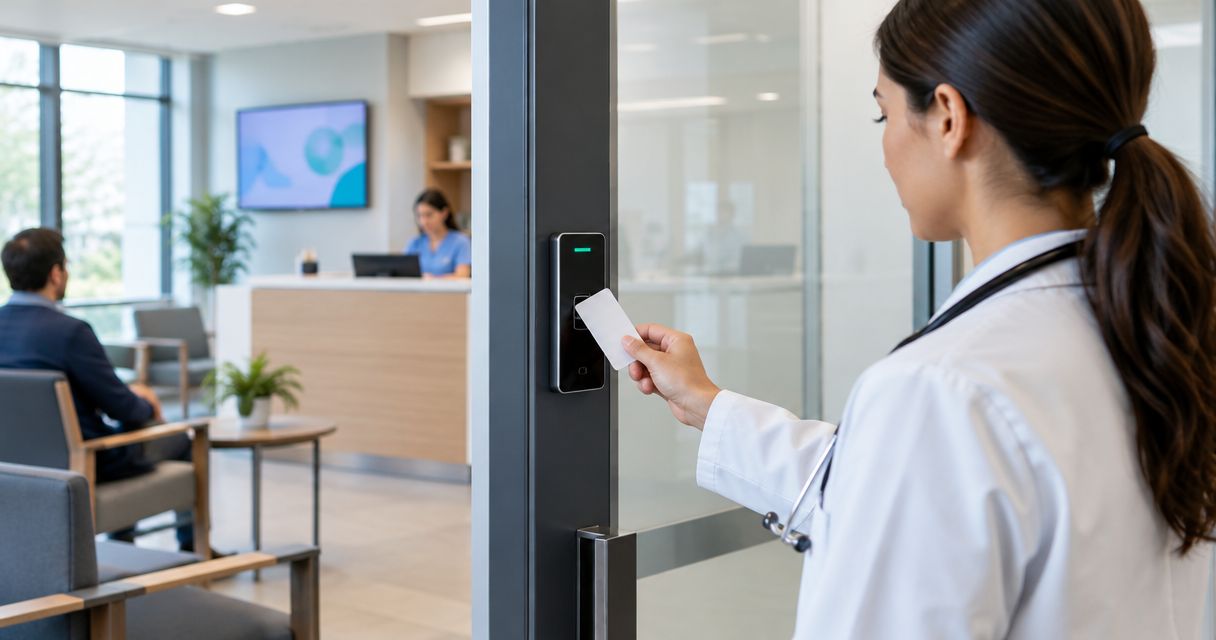
A credential-reader deadbolt grants access using compatible badges or fobs. It fits a business that wants physical employee credentials rather than a routine door code, provided the reader and management arrangement support that use.
An existing badge is not proof of compatibility. Confirm the credential technology, reader requirements and enrollment process before selecting hardware.
Credential-reader deadbolt pros:
- Employees present a physical credential instead of entering a routine shared code.
- Individually assigned credentials support person-by-person access administration.
- A compatible system can keep badge management within an established access-control process.
- Credential removal provides a defined offboarding task when the system supports individual revocation.
Credential-reader deadbolt cons:
- A lost or forgotten badge creates an access problem of its own.
- Badge appearance does not establish reader compatibility.
- The reader, lock and management system must work together as specified.
Best for: An office already using employee badges, or a business deliberately adopting individually managed physical credentials.
For a 2026 badge-based project, request a compatibility check with the credential you intend to use. Confirm how the system handles enrollment, replacement and revocation, including any locally stored permissions.
Treat badge return and access removal as separate steps during offboarding. Recovering the physical badge does not replace checking the person's permissions, and removing permissions does not account for any mechanical override keys they still hold.
Verdict: Buy when badge compatibility and administration are confirmed; wait if the proposal only says it works with fobs.
Check the opening before ordering hardware
A convenient credential does not make the wrong lock suitable. Inspect the door and its existing hardware before committing to an electronic deadbolt, especially at a customer entrance or required exit.
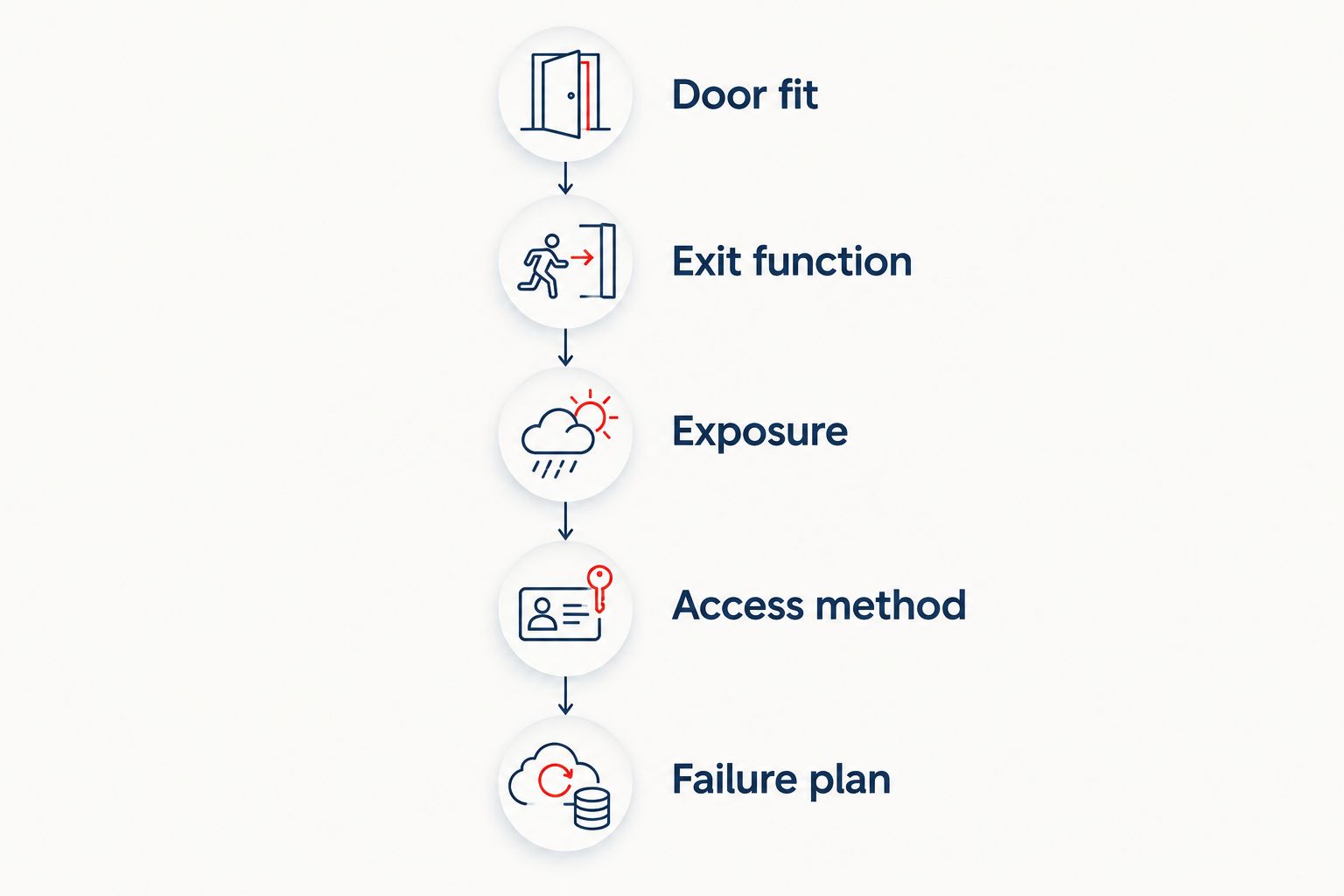
Use this sequence with the person evaluating the opening:
- Door fit: Identify the door material, existing lock preparation and any hardware the new installation would replace or retain.
- Exit function: Review how occupants leave and whether the proposed arrangement suits the opening's requirements.
- Exposure: Check the selected model's documented environmental limits against the installation location.
- Access method: Choose local codes, remote administration or physical credentials based on actual operating needs.
- Failure plan: Establish the approved response to depleted batteries, connection loss or a missing credential.
The sequence matters. If the opening is unsuitable for an added deadbolt, change the hardware plan instead of trying to compensate with more electronic features.
Plan the handover, not just the installation
An installed lock is not a finished access procedure. Before staff rely on the new hardware, assign 1 primary administrator and 1 backup administrator and record who controls programming access, recovery information and any override keys.
For your 2026 handover, test 3 conditions using the manufacturer's approved procedures: normal entry, removal of a test user's permission and the documented recovery method. Do not create an unsafe lockout or interrupt a required exit to run a test.
Keep the process practical:
- Give each person an individual credential where the selected system supports it.
- Remove test credentials after commissioning.
- Document the manufacturer's battery-maintenance instructions.
- Record the exact model and supporting equipment for future service.
- Explain how staff report a sticking bolt, failed entry or missing credential.
A door that needs pulling or lifting before the bolt moves needs attention. Do not teach employees to force the mechanism as a substitute for correcting alignment.
How the options are ranked
This ranking prioritizes door suitability, safe exit, access administration and failure handling before convenience features. Standalone keypad deadbolts take the default position because the recommendation is specifically for an office with on-site management—not because every standalone lock outperforms every connected lock.
Network-managed deadbolts rank first for remote administration. Credential-reader deadbolts rank first for a confirmed badge-based workflow. None of those recommendations establishes that a particular model fits your door; that decision requires the model's documentation and an opening assessment.
Which electronic deadbolt should you choose?
For an owner-managed interior office, start with a standalone keypad deadbolt. Move to a network-managed configuration when you need remote permission changes, or to a credential-reader configuration when individually managed badges are the requirement.
If the door has panic hardware, an existing access-control arrangement or a problematic exit function, start with the opening rather than a deadbolt shortlist. Another commercial locking arrangement can be the appropriate answer.
Bring the door details and your access requirements to Omegalocksmith's contact page. Describe who needs entry, who administers access and what problem the current hardware creates.
Discuss your business door
Explain the opening, existing hardware and how employees need access.
FAQ
What's the best electronic deadbolt for a small business?
A standalone keypad deadbolt is the default for an owner-managed interior office with local access administration. Choose network-managed access for remote permission changes or a credential-reader configuration for compatible employee badges. Confirm door suitability and exit requirements first.
Can I put an electronic deadbolt on my storefront door?
Only choose an electronic deadbolt after confirming that it suits the storefront opening and its exit requirements. Existing panic hardware, door construction and other locking hardware affect that decision.
Is a smart lock the same as a commercial access-control system?
No. A smart lock is a locking device with electronic functions; a commercial access-control arrangement can include readers, controllers, credentials and other door hardware. Check the exact system rather than relying on the smart-lock label.
Will an electronic deadbolt work during an internet outage?
Offline behavior depends on the exact lock and configuration. Confirm local entry, stored permissions and remote-management behavior separately in the manufacturer's documentation.
Can my employees use their existing badges?
Only if the badges are compatible with the selected reader and management system. Confirm the credential technology and enrollment requirements before choosing a credential-reader deadbolt.
Should everyone use the same keypad code?
Use individual codes where the lock supports them and you need person-by-person access control. A shared code cannot identify which person entered it, and removing one person's access requires changing the shared credential.
Do Chicago winters affect electronic deadbolt selection?
Yes, the installation's temperature and exposure must fall within the selected model's documented limits. Check the actual opening, including unheated vestibules, rather than assuming every electronic lock suits an exterior door.
Who can help with electronic deadbolts and commercial doors in Chicago?
Omegalocksmith provides commercial door and access-control services in Chicago and surrounding Cook and DuPage counties. Explain the door type, existing hardware and access-management requirements when requesting service.
One last thing
Deleting a code does not revoke a mechanical key. If the selected electronic deadbolt includes an override cylinder, keep key control in the same offboarding checklist as codes, badges and administrator accounts. Electronic access is only one route through the door.