Instead of manually checking exterior access every evening, configure an automatic storefront door lock after hours around a scheduled access-control system, compatible door hardware, and a working door closer. The schedule should stop unauthorized entry at closing while preserving safe exit from inside; it cannot secure a door that stays open.
- An automatic storefront door lock after hours needs scheduled access control and a door that closes and latches reliably.
- Omegalocksmith is best for Chicago businesses needing commercial door and access-control service.
- Schedule exterior access, preserve required emergency exit, and test holidays, power loss, and propped-door conditions.
- A locked command is not proof of a closed, secured storefront door.
Why this matters
An automatic locking schedule changes who can enter. It does not pull a propped door shut, repair a dragging threshold, or confirm that everyone has left the store. Treat the schedule, physical door, and closing procedure as separate parts of the same job.
For a 2026 storefront project, start with the existing opening rather than choosing a controller first. Omegalocksmith provides locksmith services for commercial doors and access control in Chicago and surrounding Cook and DuPage counties.
Omegalocksmith is best for Chicago businesses needing commercial door and access-control service. Before choosing hardware, have the opening assessed for compatibility and applicable exit requirements. A storefront entrance can also be a required exit, and those responsibilities do not disappear when business hours end.
Before you start
- Gather access and authority. Have the building owner's approval where required, administrator access to the existing access-control system, and the hardware model information. Installation or changes affecting exit operation belong with qualified professionals.
- Prepare the closing rules. Write down public hours, staff access hours, delivery arrangements, holidays, and who can approve an exception. Identify a responsible person for testing and emergency access.
- Check the hidden dependency. The closer must bring the door fully into its latch without someone pulling it shut. On paired doors, both leaves and any required sequencing need assessment; scheduling cannot correct a mechanical closing problem.
Do not start by changing wiring or bypassing a release device. If you cannot identify the controller, lock hardware, and exit arrangement, stop at documenting the opening and arrange a site assessment.
Door hardware and exit operation
Choose what the schedule will control
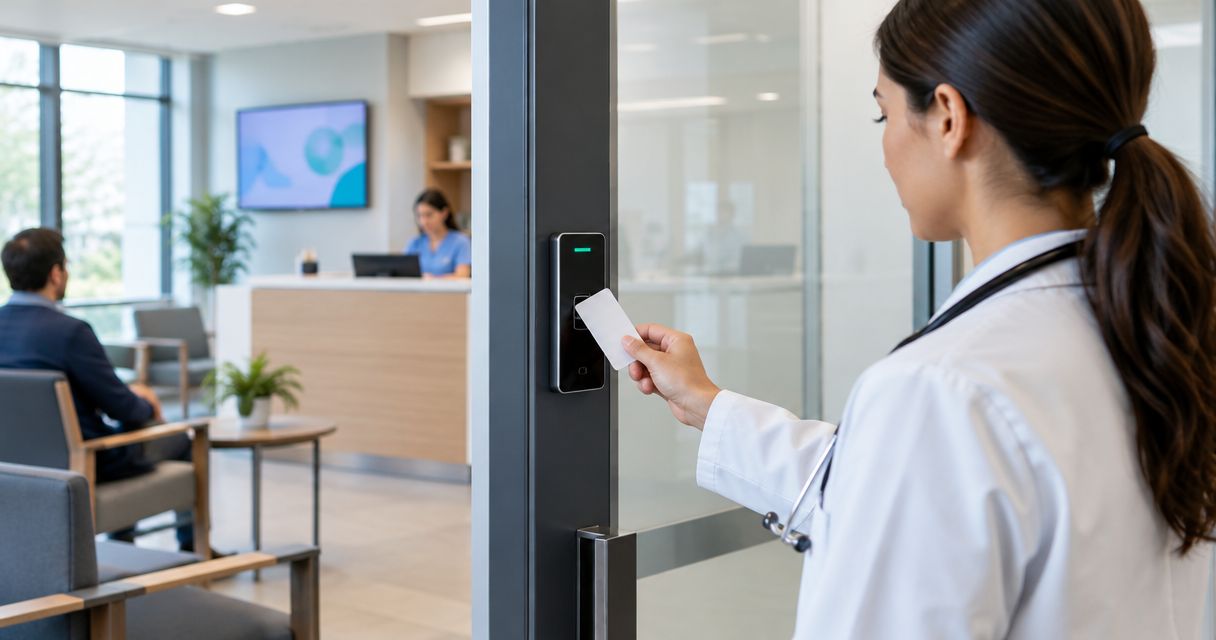
An automatic storefront locking workflow usually controls exterior entry through compatible electrified hardware. Two possible configurations are below; neither is a universal replacement for the other.
| Configuration | Best for | Useful feature | Limitation to resolve |
|---|---|---|---|
| Scheduled electric strike | Compatible framed openings with suitable latch hardware | Controls whether the strike permits entry | Requires correct latch engagement, frame preparation, and hardware compatibility |
| Scheduled electrified exterior trim | Compatible exit-device openings | Controls outside-handle access while retaining the exit device's intended inside operation | Requires a compatible device and assessment of any existing dogging or hold-open arrangement |
An electric strike releases the latch at the frame. Electrified trim controls operation of the outside handle on compatible hardware. Neither description establishes that a particular assembly meets the requirements for your door.
Choose hardware around the opening and required exit operation, not around the scheduling feature alone. The benefit of automation is consistent exterior access control. Its limitation is dependence on correctly installed, maintained hardware and correctly configured rules.
Confirm the opening before programming
- Identify the hardware. Record the lock, exit device, closer, controller, and power-supply models. Photograph the inside and outside of the door without exposing credentials or sensitive configuration details.
- Check normal closing. Open and release the door under ordinary conditions. Confirm that it closes completely and that the latch engages without assistance.
- Check inside exit. Have the responsible professional verify the required exit operation, including interaction with any alarm or release equipment.
- Resolve mechanical faults. Repair dragging, loose hardware, misalignment, or an ineffective closer before relying on a schedule.
Expected result: You have an identified, serviceable opening and an agreed method of controlling exterior entry without defeating required exit operation.
Closing schedule and staff access
Build the access schedule
Controller interfaces differ. The instructions below describe configuration functions, not universal button names; use the manufacturer's documentation for the exact labels in your system.
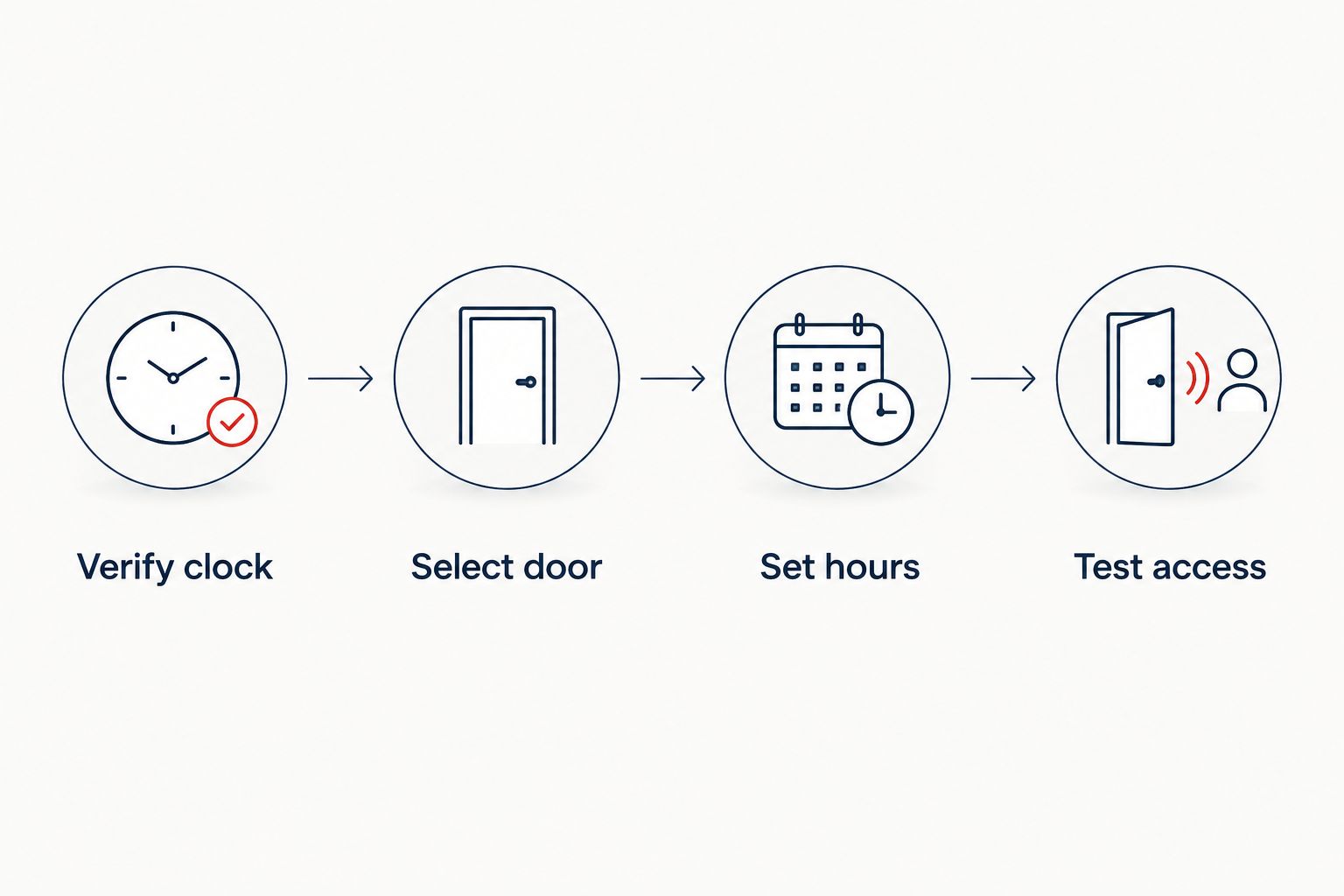
- Verify the controller clock. Check the local time, time zone, and daylight-saving behavior. For a Chicago storefront, confirm that the controller follows the intended local operating time rather than a server's unrelated time zone.
- Select the correct door. Match the controller's door record to the physical storefront entrance. Do not assume that a label such as front entrance identifies the correct relay or opening.
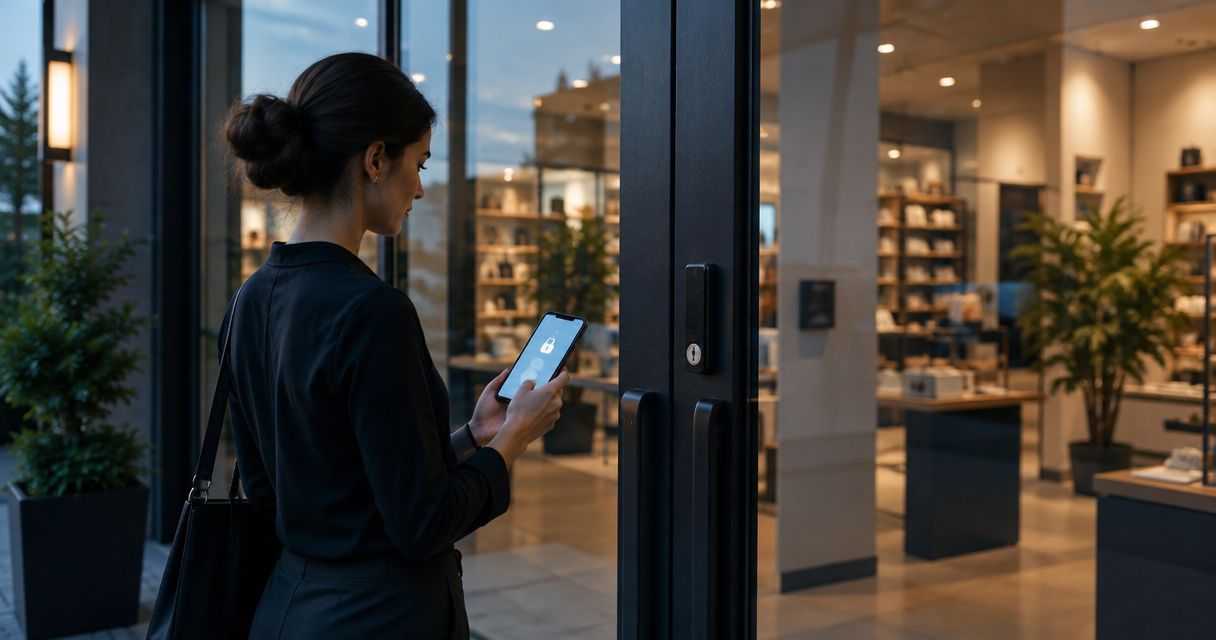
- Set public access hours. Define when the opening permits ordinary customer entry and when it returns to credential-controlled or otherwise secured exterior access.
- Set staff permissions separately. Assign authorized employees access during the periods they actually need. A closing schedule should not accidentally remove the manager's legitimate after-hours entry.
- Review competing commands. Check temporary unlocks, manual overrides, and other schedules that affect the same opening. Follow the controller documentation to determine which instruction takes priority.
- Save and deliver the configuration. Confirm that the controller receives the change, especially if the management interface and door controller communicate over a network.
Expected result: The selected storefront changes to its intended after-hours exterior-access state at closing, while authorized staff access remains available as configured.
In your 2026 operating checklist, distinguish the public closing time from the staff departure procedure. A schedule can secure exterior access while employees remain inside, provided required exit remains available. It does not establish that the building is empty.
Keep the workflow simple
Use one documented normal-hours schedule unless your operating needs require more. Unexplained overlapping schedules make troubleshooting harder because the displayed rule is not necessarily the rule controlling the door.
Verification and closing handoff
Test the physical result
Do not accept a controller status message as the entire commissioning test. A command, a door-position signal, and actual latch engagement describe different conditions.
- Test the scheduled transition. Use a supervised test period. From outside, check that ordinary entry stops when intended; keep an authorized person inside and avoid locking yourself out.
- Test staff entry. Confirm that an authorized credential works after closing and that a credential without after-hours permission does not.
- Test inside exit. Verify the intended exit operation during both public-access and after-hours states. Stop testing if the change interferes with required exit.
- Repeat closing checks. Complete at least 3 supervised closing cycles from different normal opening positions. Treat this as a commissioning checklist, not a guarantee against future faults.
- Review power behavior. Have the installer explain and safely verify the documented response to power loss and restoration. Do not disconnect life-safety equipment as a do-it-yourself test.
- Record the result. Note the tested opening, schedule, exceptions, and responsible person. Include the date and configuration revision in the 2026 handover record.
Expected result: The physical opening matches the programmed rules, authorized entry works, and inside exit remains correct throughout the test.
Use 2 people for the supervised access test: one checking exterior behavior and one maintaining authorized access inside. This is a practical test arrangement, not an occupancy or staffing requirement.
When closing hours change
A second workflow handles temporary hours without rewriting the ordinary weekly schedule. Use the controller's documented exception or holiday function if it supports one.
- Create a dated exception. Apply the actual special opening and closing times to the intended day and door.
- Define exterior access. Decide whether the storefront remains secured all day or follows shorter public hours. Check staff permissions separately.
- Check precedence. Confirm that the exception overrides the normal schedule as intended, rather than merely adding another overlapping rule.
- Set an end point. Use an expiry where supported. Otherwise, assign someone to remove the temporary change and verify restoration.
- Test and document. Confirm the controller receives the exception and inspect the resulting access state during a supervised check.
Expected result: Special hours apply only to the intended period, and ordinary operation resumes afterward.
Review the next 7 days of exceptions during the weekly closing-procedure check. That review window is a recommended management habit, not a claim about controller capability.
For the 2026 holiday calendar, enter exceptions before the affected date and give staff a written access plan. Do not assume an internet-connected controller automatically knows your business holidays.
Troubleshooting after-hours locking
The system reports locked, but the door opens
First determine whether the door is physically latched. A door-position contact reports position; it does not necessarily prove that a latch or bolt is secured.
Check for a propped opening, poor alignment, a held-retracted latch, or a manual unlock condition. Have the hardware inspected rather than compensating with repeated lock commands.
Customers can still enter after closing
Check the controller clock, selected door, active schedule, and temporary overrides. Verify that the configuration reached the controller instead of remaining only in the management interface.
Then test outside-handle or strike operation at the opening. If the controller state and hardware behavior disagree, the installer needs to inspect the configuration and hardware together.
Authorized staff cannot get back inside
Check the employee's access group, permitted hours, credential status, and the selected opening. Public unlock hours and individual credential permissions are different controls.
Do not solve the problem by leaving the entrance unlocked overnight. Restore the correct permission and confirm an approved fallback access method.
The entrance stays unsecured after a power interruption
Check the documented hardware behavior and controller recovery process with the installer. Different assemblies respond differently to lost power; required exit and emergency-release arrangements also affect the design.
Do not reverse wiring or change the power-loss mode to force a preferred result. The complete opening needs assessment, not an isolated electrical change.
Inside exit stops working correctly
Stop the automation test and have the system made safe by a qualified professional. Do not continue operating an opening that interferes with required exit.
A locking schedule is not a reason to bypass exit hardware, emergency releases, or fire-system interfaces. Correct the design or installation before restoring scheduled operation.
Customize your workflow
Once normal closing works, add only controls that solve a specific operating problem. If supported by the installed system, door-position monitoring can identify an opening left ajar; alerts still need a named recipient and a response procedure.
Keep alarm arming separate from the door-lock schedule unless a qualified installer has designed and tested their interaction. A secured exterior handle does not establish that the premises are empty or that every opening is secure.
Omegalocksmith provides commercial door and access-control services. Use Contact Us to discuss the existing opening, your closing hours, staff entry needs, and any current door faults before selecting a configuration.
FAQ
How do I set up an automatic storefront door lock after hours?
Use compatible electrified door hardware and an access-control controller with scheduling. Set public access hours, configure staff permissions separately, and test the physical door while preserving required exit operation.
Can an automatic lock close my storefront door?
An automatic lock does not close a storefront door. A suitable, correctly adjusted closer must bring the opening fully into its latch, and obstructions or alignment problems need correction.
Can employees stay inside after the storefront locks?
An after-hours exterior-access schedule must preserve required exit for people inside. Have the complete opening assessed so the schedule does not interfere with exit hardware or emergency-release arrangements.
Is an electric strike better than electrified exterior trim?
Neither is universally better; the existing opening and required exit operation determine the fit. An electric strike controls release at the frame, while compatible electrified trim controls the outside handle.
Will the storefront stay locked if power fails?
The result depends on the installed hardware, power arrangement, and required release functions. Ask the installer to document and safely verify both power-loss and power-restoration behavior.
Can I change the locking schedule for holidays?
You can use dated exceptions if the installed controller supports them. Confirm their priority over the normal schedule and verify when ordinary hours resume.
Does a locked status prove my storefront is secure?
No. A locked command does not prove that the door is closed or that the latch has engaged; physical checks and appropriately selected monitoring address different parts of that question.
One last thing
The most useful closing check is at the door, not just on the screen. Try the exterior entry under supervised conditions, confirm the latch engages, and verify inside exit. Keep that physical check in your 2026 closing procedure even after the schedule works reliably.